Best Menu Solution for Tourist Restaurants in 2026: The Ultimate Guide
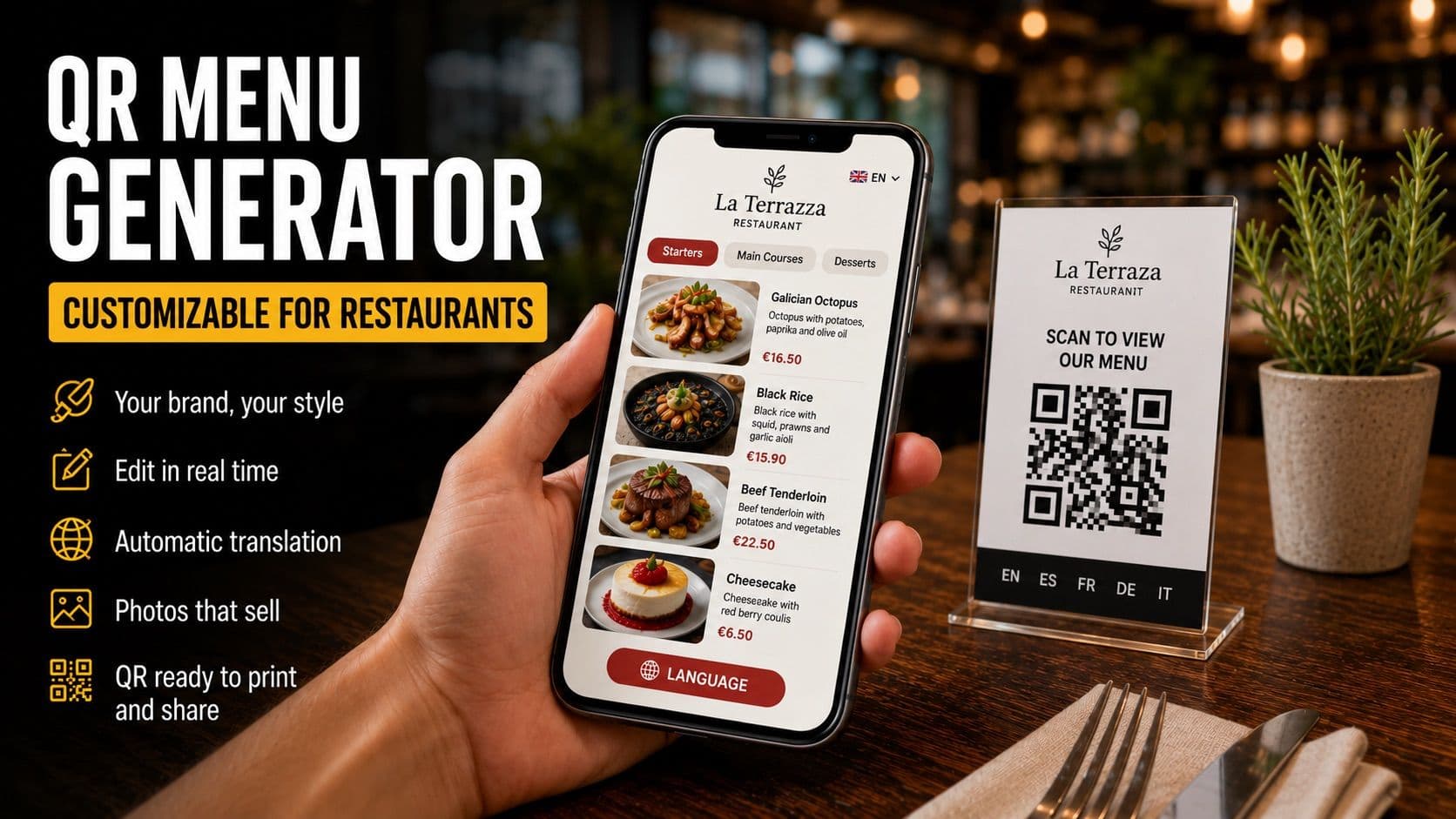
The Best Customizable QR Code Menu Generators for Restaurants
Since 2020, the QR code on the table has gone from a rarity to a standard. Today, almost every restaurant has one. The problem is that most of these QR codes are nothing more than a PDF hidden behind a code: the customer scans it, the same old laminated menu appears, and they have to pinch and zoom to read the price of a dish. That is not a digital menu. It is a PDF with an extra step.
A good customizable QR code menu generator does something very different: it turns your menu into a real mobile experience, branded to your business, which you can edit in seconds and that your customers —locals and tourists alike— understand at first glance. The difference between one tool and another is felt directly in the average check size and the amount of time you waste managing your menu.
In this guide, we review which features you should look for before choosing a generator, so you don't end up paying for a simple "PDF with a QR." And at the end, we'll tell you why Besmeo goes a step further than most.
What makes a QR code menu generator truly "customizable"
The keyword is customizable. Any free website can create a QR code for you in ten seconds. What's difficult —and what really matters— is what that QR code opens when the customer scans it.
A generator worth its salt should give you control over three things: how your menu looks (your branding), what it says (languages, prices, descriptions, photos), and how easy it is to change (no designers, no reprinting, no waiting on anyone). If a tool only lets you "upload a PDF and generate the code," you are only scratching the surface.
Let's look at the four features that truly separate a good generator from a mediocre one, plus a fifth that almost no one else offers.
1. Brand Customization: The QR code should be yours, not generic
The first filter is branding. When a customer scans your code, the last thing you want is for a gray page to appear with the platform's logo and a template design identical to the bar next door.
A good customizable QR code menu generator allows you, at a minimum, to:
- Use your own colors and logo, so the digital menu is an extension of your establishment and not the tool.
- Have your own URL (e.g., your-restaurant instead of a string of nonsensical letters and numbers).
- Choose a visual style consistent with your type of cuisine: a burger joint and a fine-dining restaurant communicate very different things.
This isn't just aesthetics. The menu is one of the few moments when the customer is alone with your brand, deciding how much they are going to spend. A professional-looking menu elevates the perception of the entire restaurant; one that looks like a generic template lowers it.
2. Real-Time Editing from Your Mobile
This is where most basic generators fall apart. If your menu is a PDF behind a QR and you change a price, you have to re-edit the PDF, export it, and re-upload it. In many cases, you even have to generate a new code.
A true generator lets you edit the menu in real-time, ideally from your own mobile phone:
- Change a dish's price and have the customer see it instantly.
- Mark a dish as "sold out" during the Friday dinner rush without reprinting anything.
- Add the special of the day in thirty seconds from the kitchen.
And a critical detail: the QR code must remain the same after every change. It makes no sense to have to reprint the codes for all your tables every time you touch a price. If a tool forces you to do that, discard it. This is probably the feature that will save you the most time and money throughout the year. Going from "calling the designer and waiting two days" to "I change it in ten seconds" is the real difference between a digital menu and a disguised PDF.
3. Automatic Multilingual Translation
If you work in an area with international clientele, this point may be worth more than all the others combined. A tourist who doesn't understand the menu orders the cheapest and safest option, or simply what they already know. A menu that understands them gives them the confidence to order the expensive dish, the wine, or dessert.
What you should look for:
- Automatic translation into your customers' languages (English, French, German, Italian, Portuguese...), without you having to hire a translator or copy-paste into Google Translate.
- Gastronomic translation, not literal. A good tool understands the context of the dish, not just word-for-word translation.
- The customer can switch languages on their own, without your waiter having to play interpreter fifty times per shift.
Many basic generators don't even offer languages, or force you to enter each translation by hand. If your restaurant relies on tourism, this is a must-have, not an extra.
4. Ease of Sharing and Printing
A digital menu is useless if the customer can't reach it. That's why the generator must make it easy for you to distribute it through all channels, not just on the table:
- QR code ready to print in high quality, for tables, windows, or front-door menus.
- A link you can paste into your Google profile, Instagram, or a WhatsApp message when someone asks for a reservation.
- The ability to share it on social media without it looking pixelated or broken.
The idea is for your menu to be everywhere a potential customer might search for you, not locked away on a piece of paper on the table. A good generator gives you the QR code and the link in the same place, without weird steps.
5. Beyond the basic QR: Photos that sell
And here we reach what almost no generator offers. You can have the most customizable QR code in the world, but if your menu is still just text, you are leaving money on the table.
It is proven that customers order what they see. A dish with an appetizing photo is ordered much more often than the same dish described only with words. The usual problem is that getting professional photos of the entire menu involves hiring a photographer, setting up a session, and spending quite a bit of money. That's why most restaurants don't have photos of their dishes.
The new generation of generators solves this with automatically generated photos, without a photographer or session. Combined with a customizable QR code and translation, they turn a text menu into something that truly invites people to order more. That is the line that separates a run-of-the-mill QR generator from a tool that actually increases your average check size.
Quick checklist for choosing your generator
Before paying for any tool, check that it meets these points:
- Brand Customization: Own colors, logo, and URL.
- Real-time mobile editing: Without reprinting the QR.
- Automatic, high-quality translation: Into multiple languages.
- QR and Link: Ready to print and share on any channel.
- Something beyond text: Photos of the dishes.
- Ease of creation: Build your menu from what you already have (your PDF or photo), without typing dish by dish.
- Free trial: To see it with your own menu before paying.
If a tool fails on the first three points, it's a basic QR generator. If it meets them all, you are looking at a true digital menu platform.
Besmeo: The generator that turns your PDF into a complete digital menu
Most generators ask you to type in your menu dish by dish, find photos on your own, and settle for a template design. Besmeo was born just to avoid all that.
With Besmeo, you upload the PDF or a photo of your current menu, and the tool does the rest: it automatically extracts dishes, prices, and descriptions, generates a photo for every dish, translates the menu into your customers' languages, and gives you a mobile digital menu with your branding and a customizable QR code ready to print. All in minutes, without designers or photographers.
From there, you edit it yourself from your mobile whenever you want —change a price, hide a sold-out item— and the QR code remains the same. It is the combination that almost no competitor offers together: automatic PDF upload, extraction, generated photos, and translation, in a single flow.
You can try it for free with your own menu and see the result before deciding anything: 👉 Create your digital menu at besmeo.com/create-your-menu
Conclusion
Choosing a customizable QR code menu generator isn't about having a pretty code: it's about the experience the customer finds when scanning it. A QR code that opens an illegible PDF doesn't set you apart from anyone. A menu with your brand, editable instantly, translated, and with photos of your dishes, does.
Before paying for a tool, go back to the checklist and check what it really offers you. And if you want to skip the manual work of setting up the menu from scratch, try uploading your PDF at besmeo.com/create-your-menu and see how your menu looks in a few minutes.
Frequently Asked Questions
What is the difference between a normal menu QR code and a customizable one? A normal QR usually opens a PDF or a generic page. A customizable one opens a digital menu with your branding (colors, logo, URL), which you can edit in real-time, translate into several languages, and, in the best tools, includes photos of the dishes.
Do I have to reprint the QR code every time I change a price? With a good generator, no. The code stays the same, and only the menu content is updated. If a tool forces you to reprint the QR when editing, avoid it.
Do I need computer skills to use a QR menu generator? No. Modern tools are designed for restaurant owners, not IT professionals. With Besmeo, for example, you just upload your menu as a PDF or photo, and the rest is automatic.
Can I try a generator before paying? Yes, the best ones offer a free trial. Besmeo lets you create your menu and see it with your own dishes for 14 days without a credit card.